 Kira Modylevsky
Projects
Mini Drone Prototype
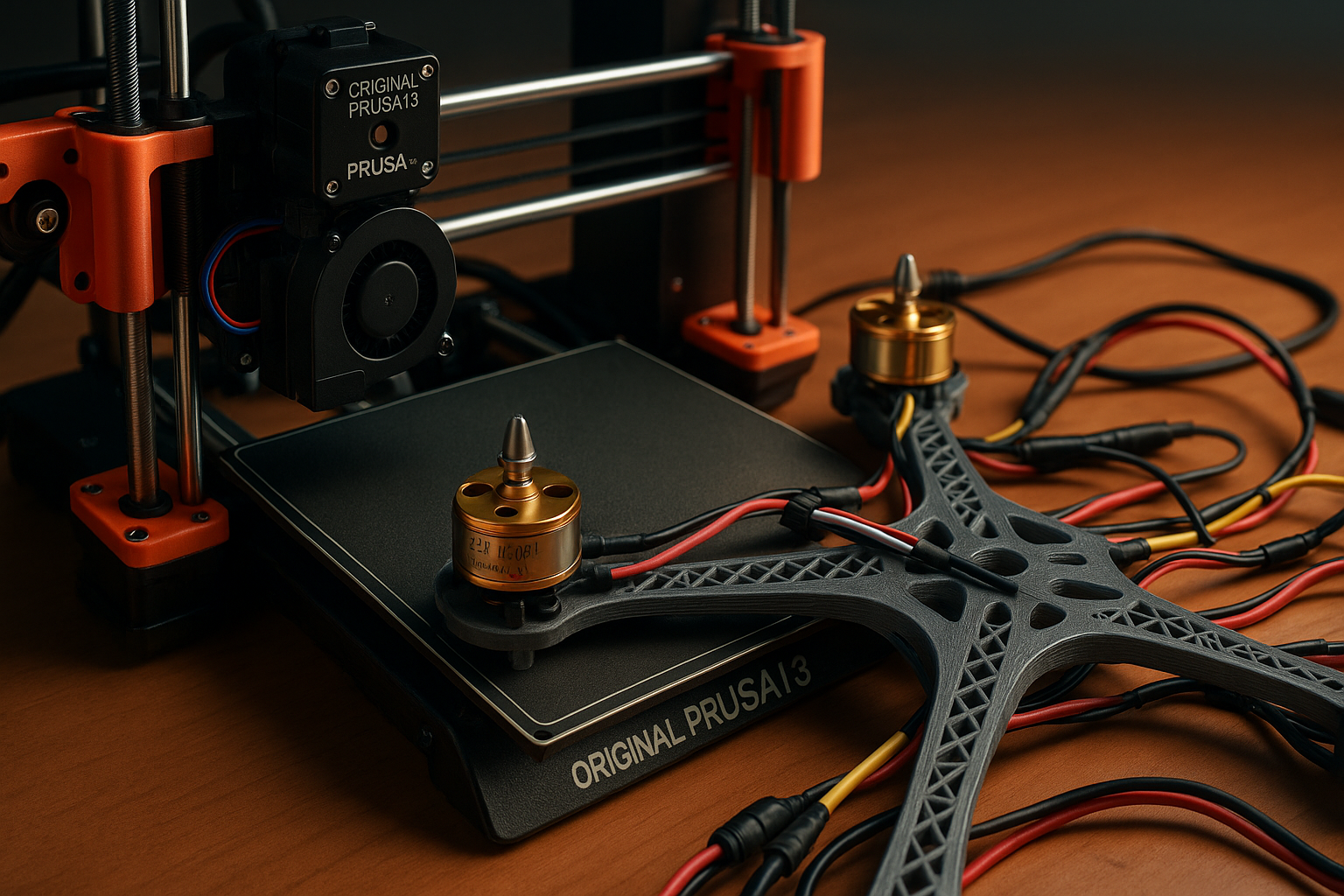
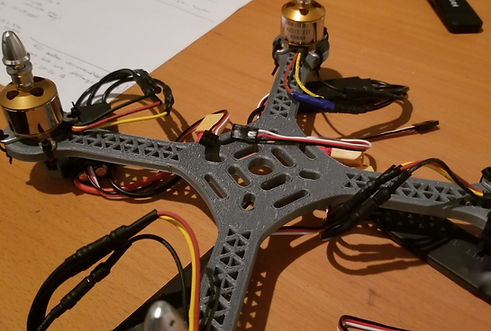
This project involved the complete development of a mini drone, starting from initial concept sketches to the creation of a functional 3D-printed prototype. The design process included concept generation, component selection, CAD modeling of the drone frame and structural parts, and iterative design adjustments for weight reduction and stability optimization.
All custom parts were modeled in SolidWorks and Fusion 360 and fabricated using 3D printing technology. The final prototype was assembled using both printed components and standard electronic hardware (e.g., motors, flight controller, battery), demonstrating the full design-to-prototype workflow.
Overview
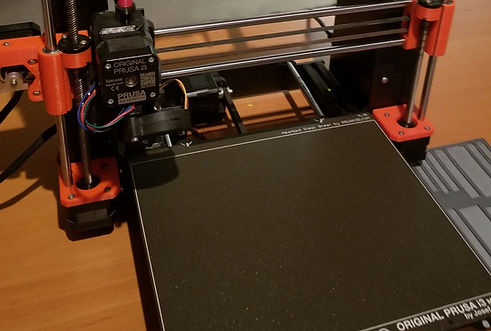
1. Requirements & Calculations Objectives:
- I needed to design a compact, sub-1kg quadcopter for general-purpose flying and learning
- For this I needed to know what power motors I would need to generate enough thrust to lift a drone of that weight as well as finding compatible components
Key Calculations:
- Weight Estimate: Frame, motors, electronics, battery, etc. ≈ 900-1000g
- Thrust-to-Weight Ratio: Target 2:1 minimum → Total thrust ≈ 1.8-2kg
- Motor Selection: A2212/13T 1000KV motors (approx. 400g thrust each with 6" props)
- Battery Requirements: 3S LiPo, ~2200mAh 30C minimum
- ESC Ratings: 40A ESCs sufficient
2. 3D Modeling of the Frame
Software: Fusion 360
Tasks:
- I wanted to have a custom frame to improve my 3D modelling skills so I designed the drone frame with correct mounting holes for motors and other hardware
- Ensured arm spacing accommodates 6" propellers without interference
- Exported STL files for 3D printing
3. 3D Printing Frame
Materials: PLA
Print Settings:
- 10% infill
- 0.2 mm layer height
4. Motors
Motors: 4x A2212/13T 1000KV brushless motors were put on their respective ends
Mounting: Zipties to not damage the print and not risk motor windings from contact
5. Electronic Speed Controllers (ESCs)
Specs: 4x 40A ESCs with BEC 5V/3A
Mounting:
- Attached under frame arms due to compact size of the drone
- Connect signal and ground wires to flight controller
- Power wires to PDB
6. Power Distribution Board (PDB)
Setup:
- Connected battery leads (XT60)
- Soldered ESC power wires (red/black)
- Connected FC via power pads (5V and GND)
7. Battery Selection
Requirements:
- 3S Lithium Ion Battery chosen for safety reasons despite additional weight
- Capacity: 2200mAh to 3000mAh
8. Flight Controller (FC)
Chosen Model: SpeedyBee F405 V4
Setup:
- Connect ESC signals to M pads
- Connect receiver via UART (SBUS, etc.)
- USB connection to PC for Betaflight/INAV setup
9. Receiver and Transmitter
Chosen: FlySky i6X Transmitter with FS-iA6B Receiver
Wiring:
- Connect receiver to FC (5V, GND, SBUS/UART RX)
- Bind with transmitter
10. Soldering
Tools:
- Solder wire
- Fine-tipped soldering iron (~350-400°C)
11. Final Assembly & Testing
Steps:
- Mount all components
- Secure wiring
- Connect USB to test via Betaflight
- Test motors without props first
- Calibrate ESCs and sensors
- Attach props and test in open area
Mechanical Arm Prototype
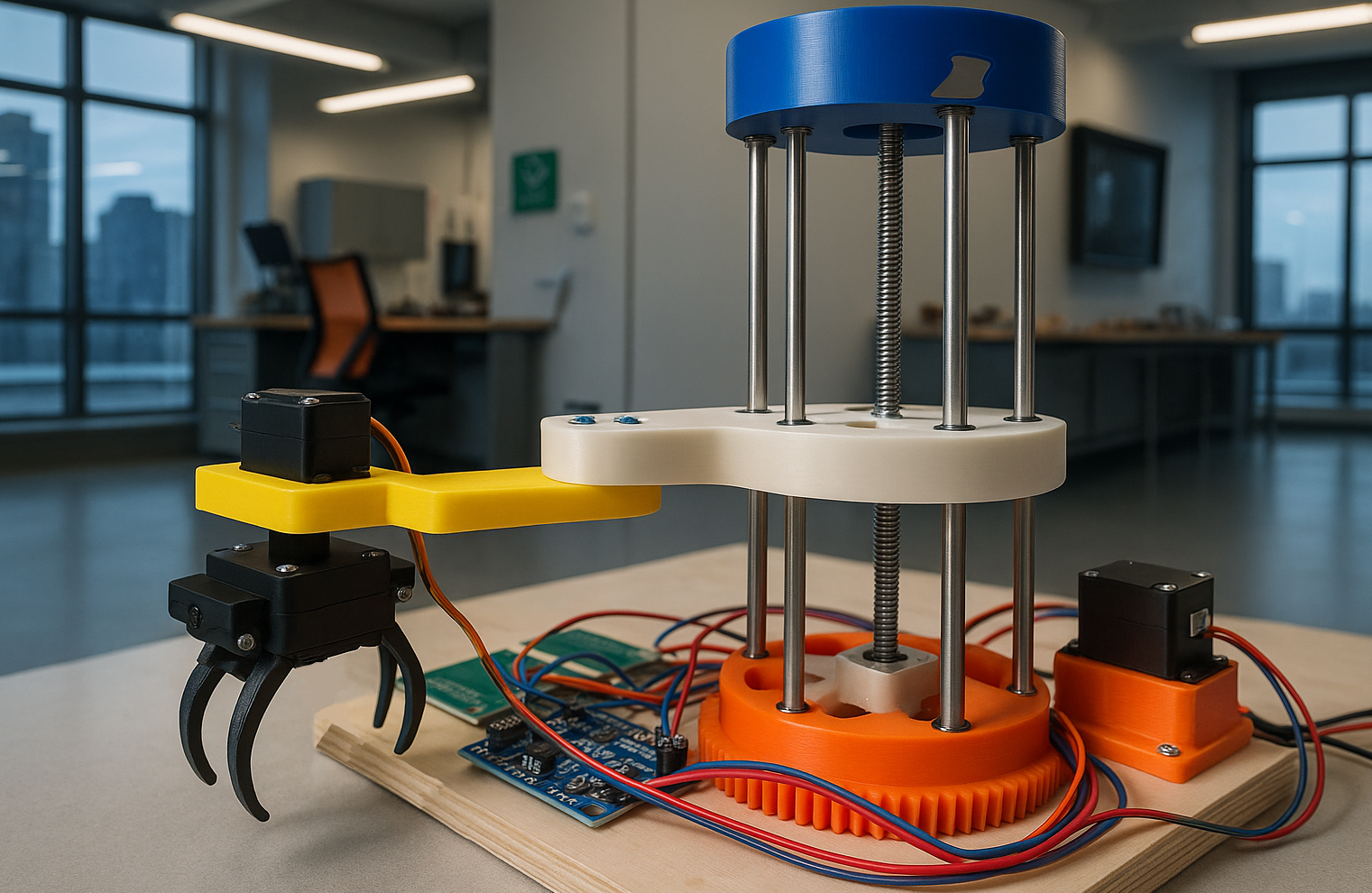
The Branch-E design concept directly responds to the challenges outlined in the ESC204 Wildland Fire Protection RFP, which emphasizes reducing the risk of structure ignition through the removal of organic debris around homes in forested areas. To achieve this, the process of the design allows for the autonomous clearing of combustible material, an essential step in preventing wildland fires from spreading into communities. The full system envisions a mobile platform capable of traversing outdoor terrains with down and woody debris, identifying downed branches, cutting them into smaller segments, and storing them in a bin attached to the robot. This comprehensive solution supports community-level fire mitigation efforts, especially in Wildlife Urban Interface (WUI) zones where manual labor may be time-consuming or unsafe.
Overview
The Branch-E design concept directly responds to the challenges outlined in the ESC204 Wildland Fire Protection RFP, which emphasizes reducing the risk of structure ignition through the removal of organic debris around homes in forested areas. Designed entirely from scratch.
Branch-E is a robotic arm system designed to reduce wildfire risk by autonomously clearing combustible debris around homes in forested areas. The prototype focused on two subsystems — debris sensing and manipulation — using a Time-of-Flight sensor and a SCARA-style robotic arm with a claw to detect, pick up, and dispose of branches.
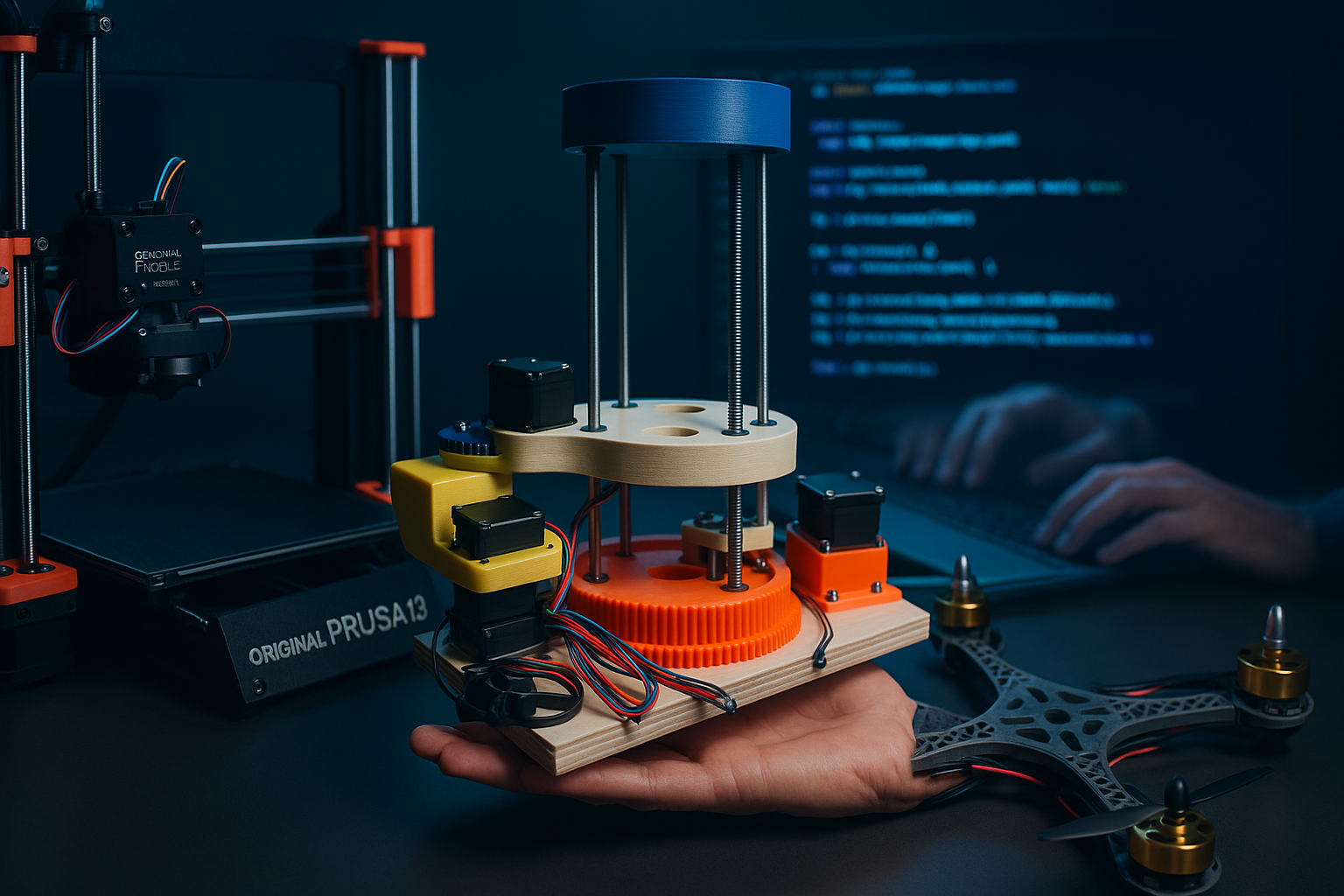
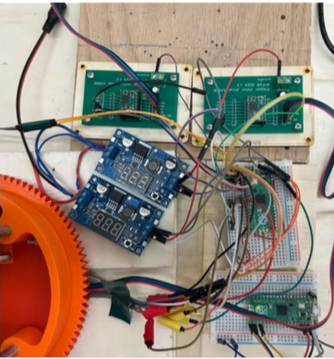
The design included 3D-printed and machined components, stepper/servo actuators, and a rotating base, with integration across mechanical, electrical, and software systems. The prototype successfully demonstrated object detection, gripping, and disposal, validating the feasibility of the larger concept.
Key challenges included 3D printing tolerances, gear alignment, wiring complexity, and sensor instability, all addressed through iterative problem-solving. The project provided hands-on experience with CAD, fabrication, integration, testing, and troubleshooting in robotics.
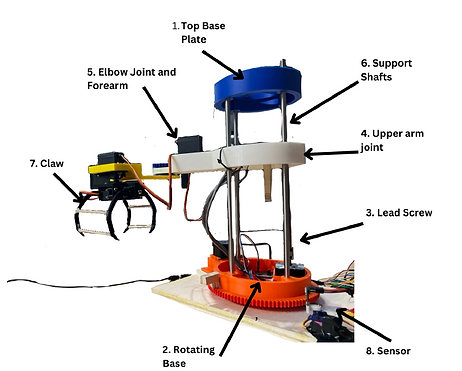
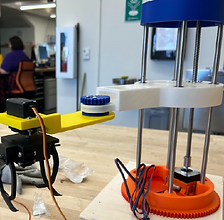
Mechanical Integration & Subsystems
Integrated Prototype
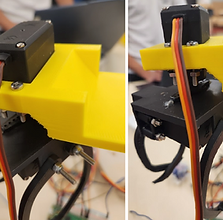
Complete assembly of the mechanical system, combining the base, arm, claw, and sensor into a functional debris-removal prototype.
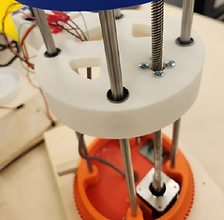
Base
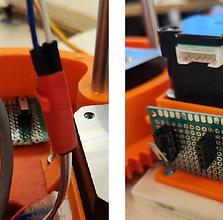
- Four key elements: top plate (supports shafts), base plate (houses stepper motor, limit switches, and rotation system), support shafts, and mechatronic components (lead screw, motors)
- Includes a Lazy Susan turntable for 360° rotation and dual limit switches for calibration
Arm
- Three components: base (vertical motion via lead screw), joint (angular adjustment), and forearm (extends for reach)
- Integrated servo motor and custom gears enable multi-axis rotation
- Linear bearings and smooth rods support precise vertical movement
Claw
- Servo-driven gripping mechanism with mirrored claws connected via dowels
- Mounted at the end of the forearm with custom fittings to enable secure grasp and release of debris
Sensor
- Time-of-Flight sensor mounted on a servo for directional adjustment
- Connected to Raspberry Pi Pico for movement feedback and environmental awareness
Color Picker App Website

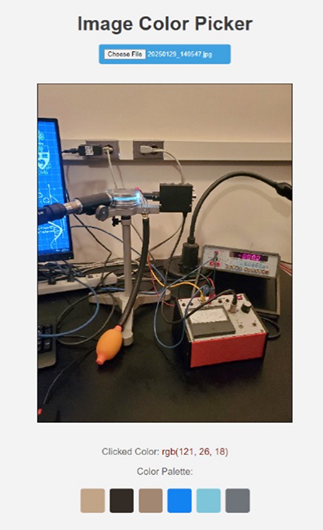
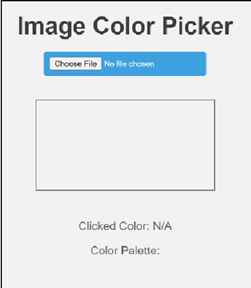
Designed an interactive color picker tool using HTML, CSS, JavaScript, and Node.js. Let’s you upload any image of your choice, see the color palette of that image, and click on any part of the image and get the details of the colors rbg value
Overview
The Color Picker App represents a comprehensive web
development project that demonstrates proficiency in
modern frontend technologies and user interface
design. This application provides users with an
intuitive tool for selecting, analyzing, and working
with colors in various formats including HEX, RGB,
and HSL values.
Uses: JavaScript, Node module called Color Thief,
html, css
Development Process & Technologies
Frontend Technologies
- HTML5 for semantic structure and accessibility
- CSS3 with advanced styling and responsive design principles
- JavaScript for interactive functionality and color calculations
- Modern browser APIs for enhanced user experience
Key Features
- Interactive color wheel and picker interface
- Real-time color format conversion (HEX, RGB, HSL)
- Color palette generation and management
- Responsive design for desktop and mobile devices
User Experience Design
- Intuitive interface design following modern UX principles
- Accessibility features including keyboard navigation
- Performance optimization for smooth interactions
- Cross-browser compatibility testing and implementation
Current Weather App Website

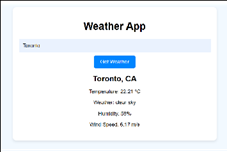
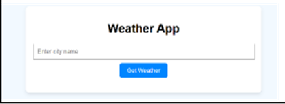
Built a dynamic weather application leveraging HTML, CSS, JavaScript, and external APIs for real-time data. Let's you type in any city of your choice and see the current weather
Overview
The Current Weather App represents a comprehensive web
development project that demonstrates proficiency in
API integration, asynchronous JavaScript programming,
and responsive user interface design. This application
provides users with real-time weather information for
any city worldwide, featuring current conditions,
temperature data, and atmospheric details.
Uses: JavaScript, weather API, html, css
1. API Integration & Data Management
- Integrated with external weather API to fetch real-time meteorological data
- Implemented asynchronous JavaScript (async/await) for smooth data retrieval without blocking UI
- Built robust error handling for network issues and invalid city names
- Configured API key management for secure authentication
2. Frontend Development & User Interface
Technologies Used:
- HTML5 for semantic structure and accessibility
- CSS3 with responsive design for mobile compatibility
- JavaScript ES6+ for dynamic functionality
- Fetch API for HTTP requests to weather service
User Interface Features:
- Clean, intuitive search interface for city input
- Real-time display of current temperature and conditions
- Weather information cards with organized data presentation
- Responsive design adapting to different screen sizes
3. Technical Implementation & Challenges
Key Development Challenges:
- Handling asynchronous API calls and managing loading states
- Implementing input validation for city names and error handling
- Creating responsive layouts that work across devices
- Parsing and displaying JSON weather data effectively
Technical Solutions:
- Used promise-based architecture for clean async code
- Implemented try-catch blocks for comprehensive error handling
- Created modular JavaScript functions for maintainable code
- Applied CSS Grid and Flexbox for responsive layouts